
From setup to delivery,
one case flow.
From the clinic's record upload to the lab's setup, revision requests, approval, production and delivery, everything is connected case by case.
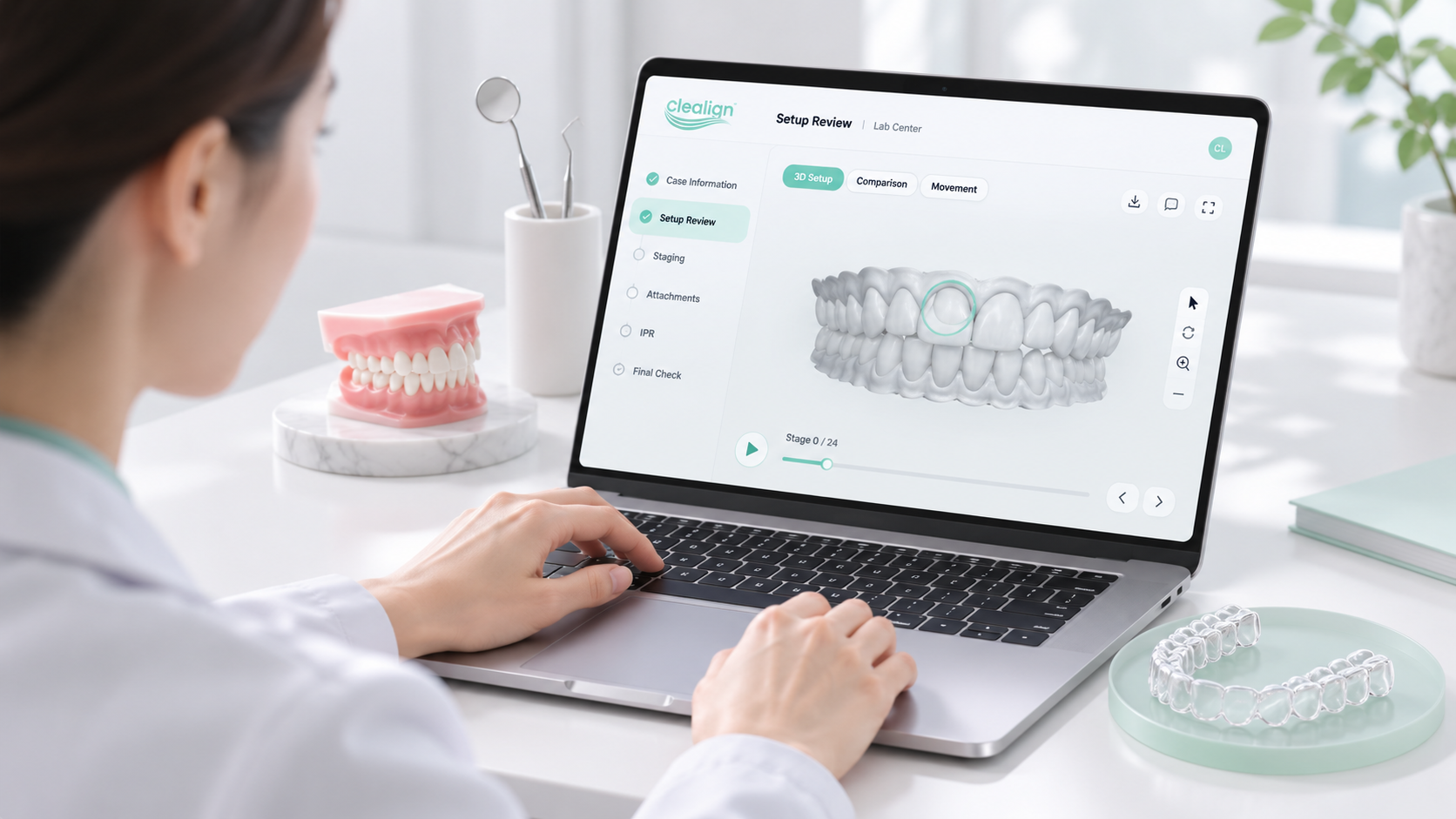
Not in a messenger,
but inside the patient's case.
Files, revision requests and approval status are linked to the case so they do not scatter across channels.
Upload records
Register diagnostic records
Order received
Lab order
Setup creation
Upload v1
Apply revisions
Revision request
Approval
Final approval
Delivery
Production & delivery
For the lab, too:
only the information needed, clearly.
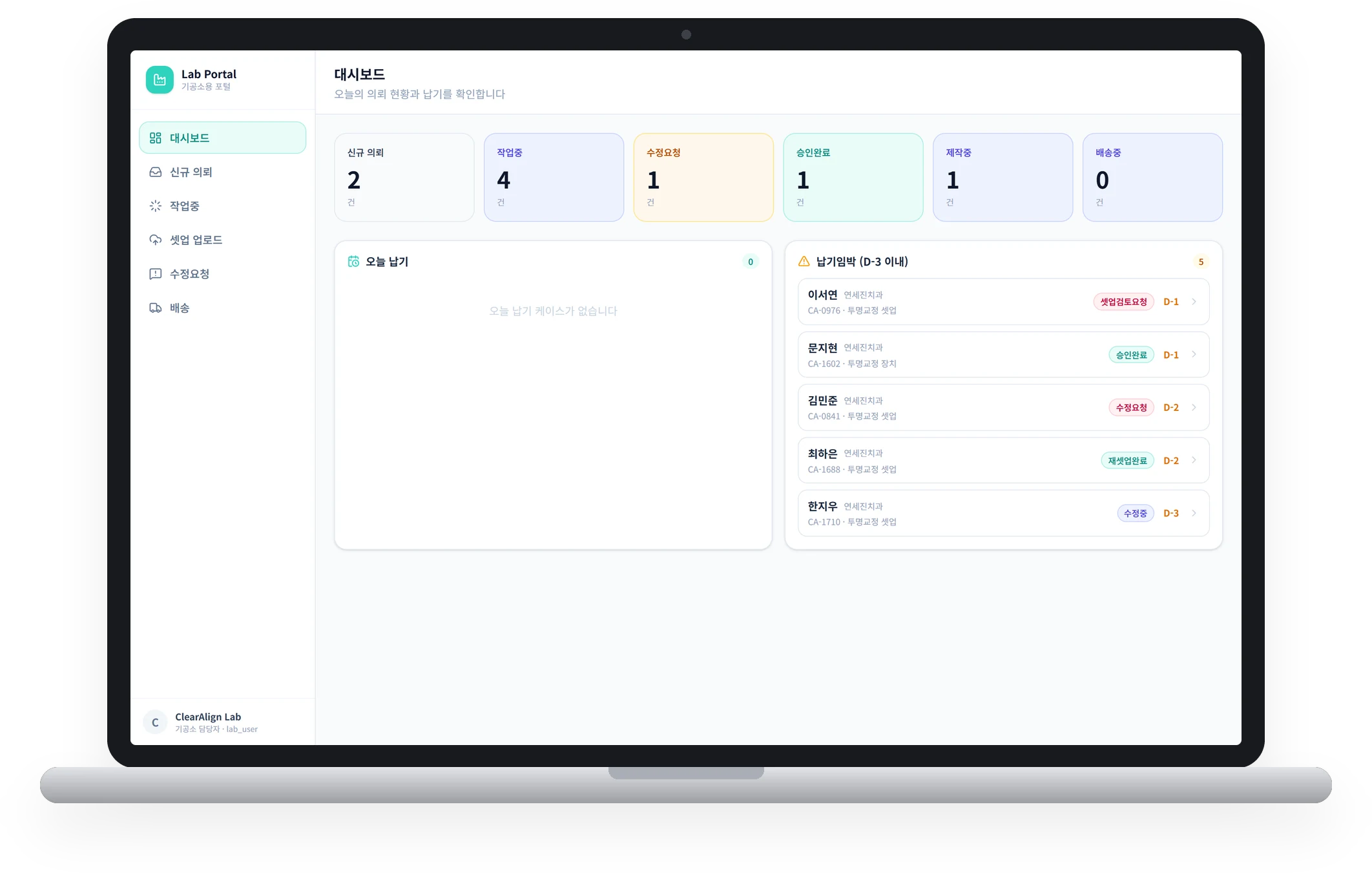
Check the records sent by the clinic, upload setup versions, and manage revision requests and production and delivery status.
- Counts at a glance, from new orders to in progress, revision requested, approved, in production and in delivery
- Check cases due today and due soon (within 3 days)
- Go from the list to the case detail screen
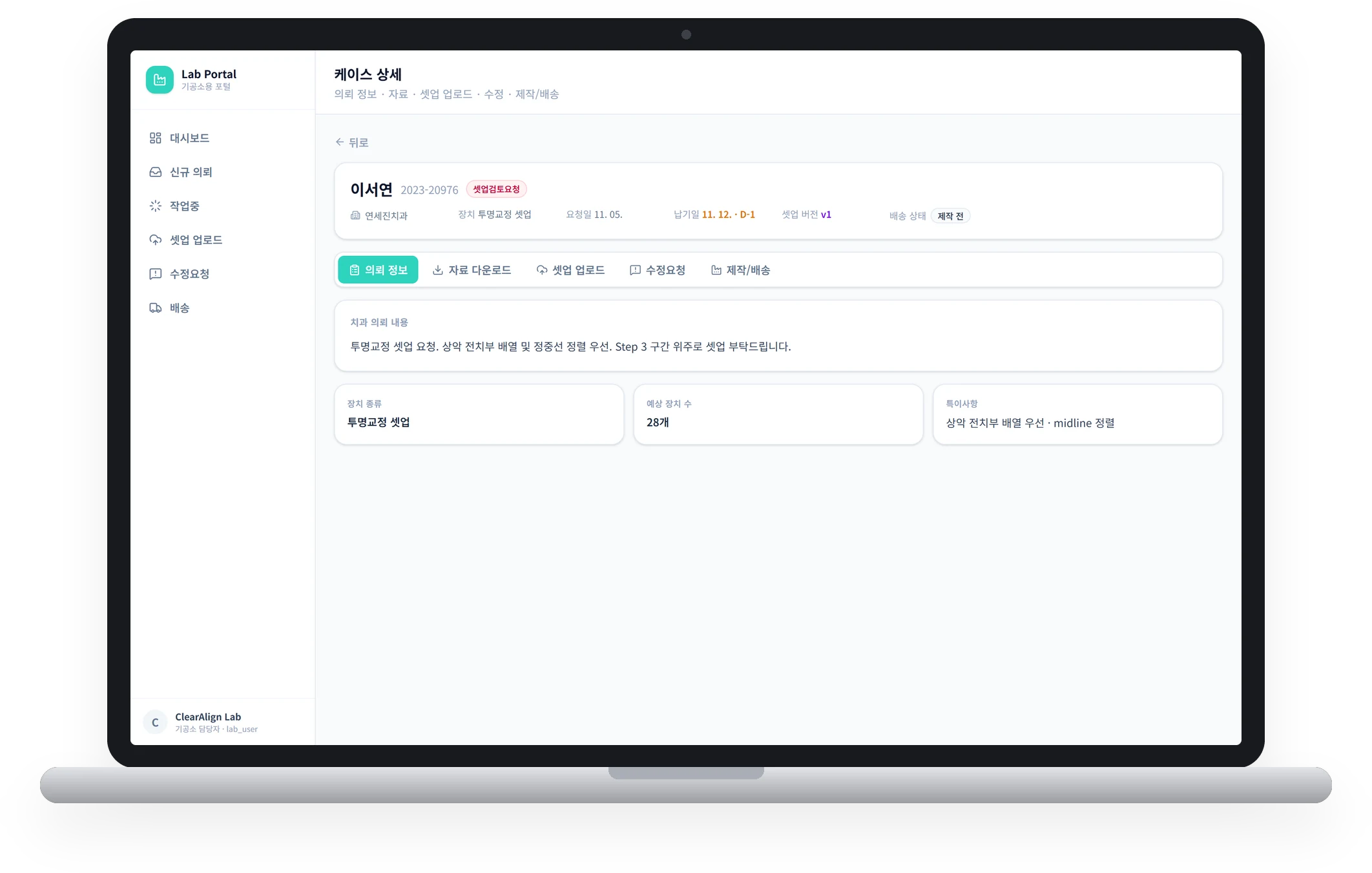
From the order to delivery,
inside one case.
On the case detail screen, check the clinic's order, then continue through record download, setup upload, revision requests and production and delivery in tabs.
- Order details · Aligner type, expected number of aligners, special notes
- Records & setup · Download diagnostic records, upload setup versions
- Progress · Due date, setup version, delivery status
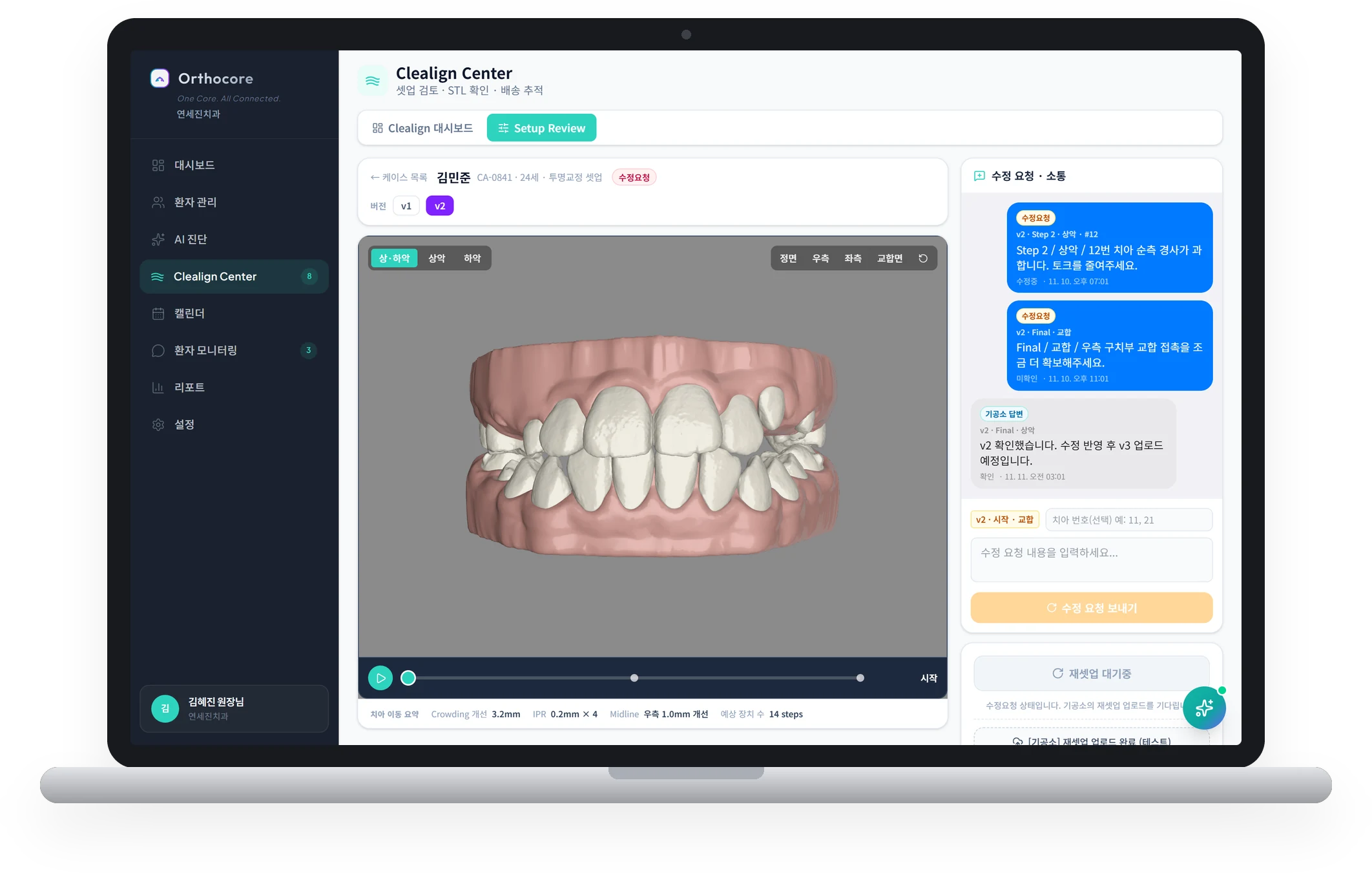
Exchange revision requests
while viewing the same setup as the clinic.
Uploaded setups are reviewed in the clinic's Orthocore, and revision requests and approval history are kept for each version.
- v1 · v2 · v3 version history
- Revision requests and replies on record
- Production starts after the clinician's final approval
Considering lab integration?
We will explain accounts and integration scope to fit the way your clinic and lab work.
※ Lab Portal and Orthocore screens are demo materials for explaining the flow; the case information shown is an example. The actual scope of each feature is confirmed at adoption.