
Fast case response
See required records and confirmation requests on one screen, and quickly find the next step after intake.
With Orthocore at the center, case intake, setup review, feedback, approval, version control and patient monitoring are connected in one workflow.
The final decision and approval of the treatment plan rest with the treating dentist.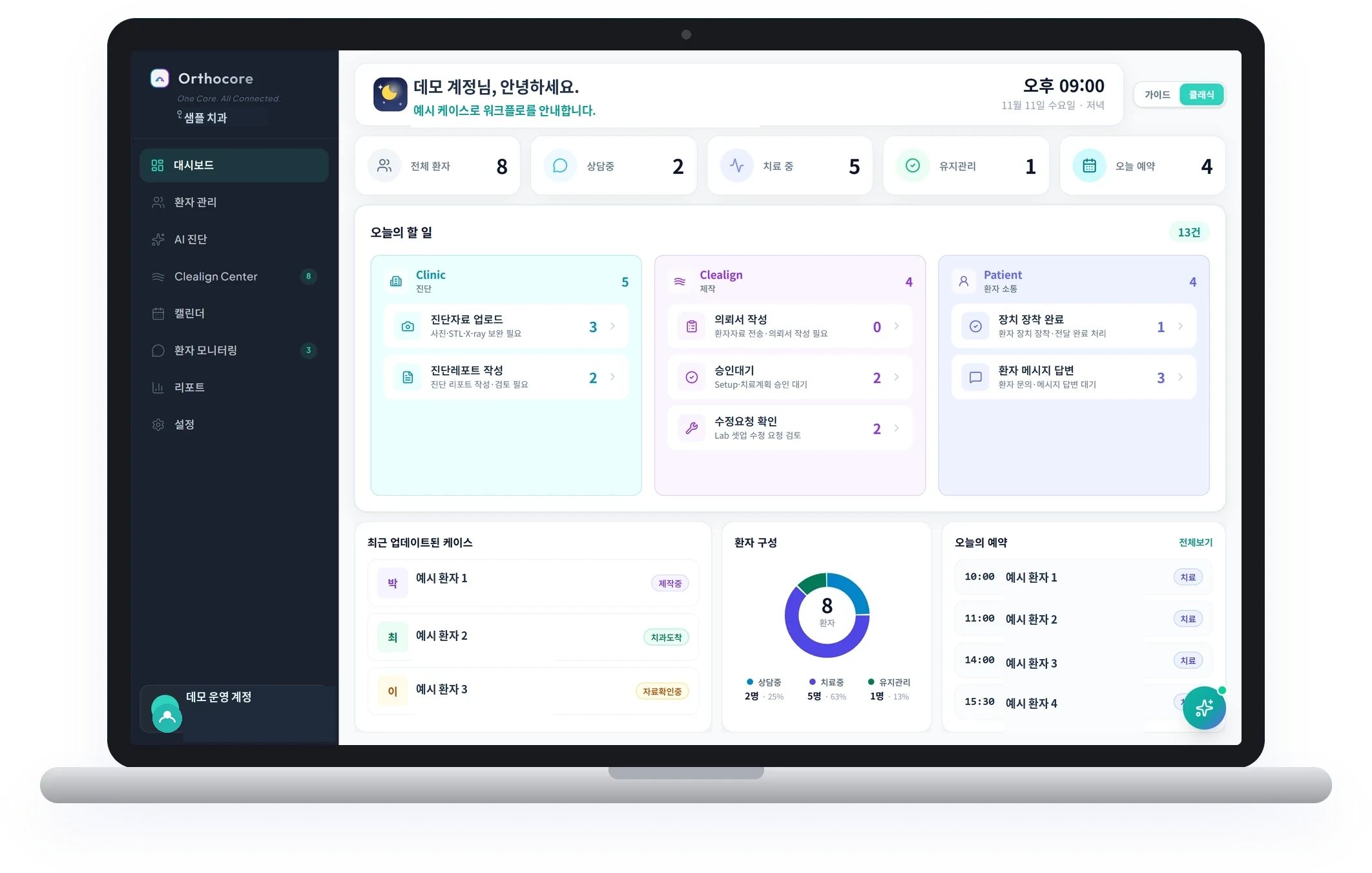
Files, requests and revision history that easily scatter between the clinic and the design and production team are organized by case.
See required records and confirmation requests on one screen, and quickly find the next step after intake.
Check treatment goals and movement plans, and manage feedback and approval history by case.
Follow the revision and approval history, production stage and progress in sequence, so nothing is missed.
The scope of features and per-account permissions are explained during an adoption consultation.
Register the patient's basic information, scans, photos, radiographs and treatment goals.
The clinician reviews planning elements such as the proposed stages and the amount of tooth movement.
Record revision requests and replies, then approve the final treatment plan.
Check production status and patient progress, and decide on any intervention needed.
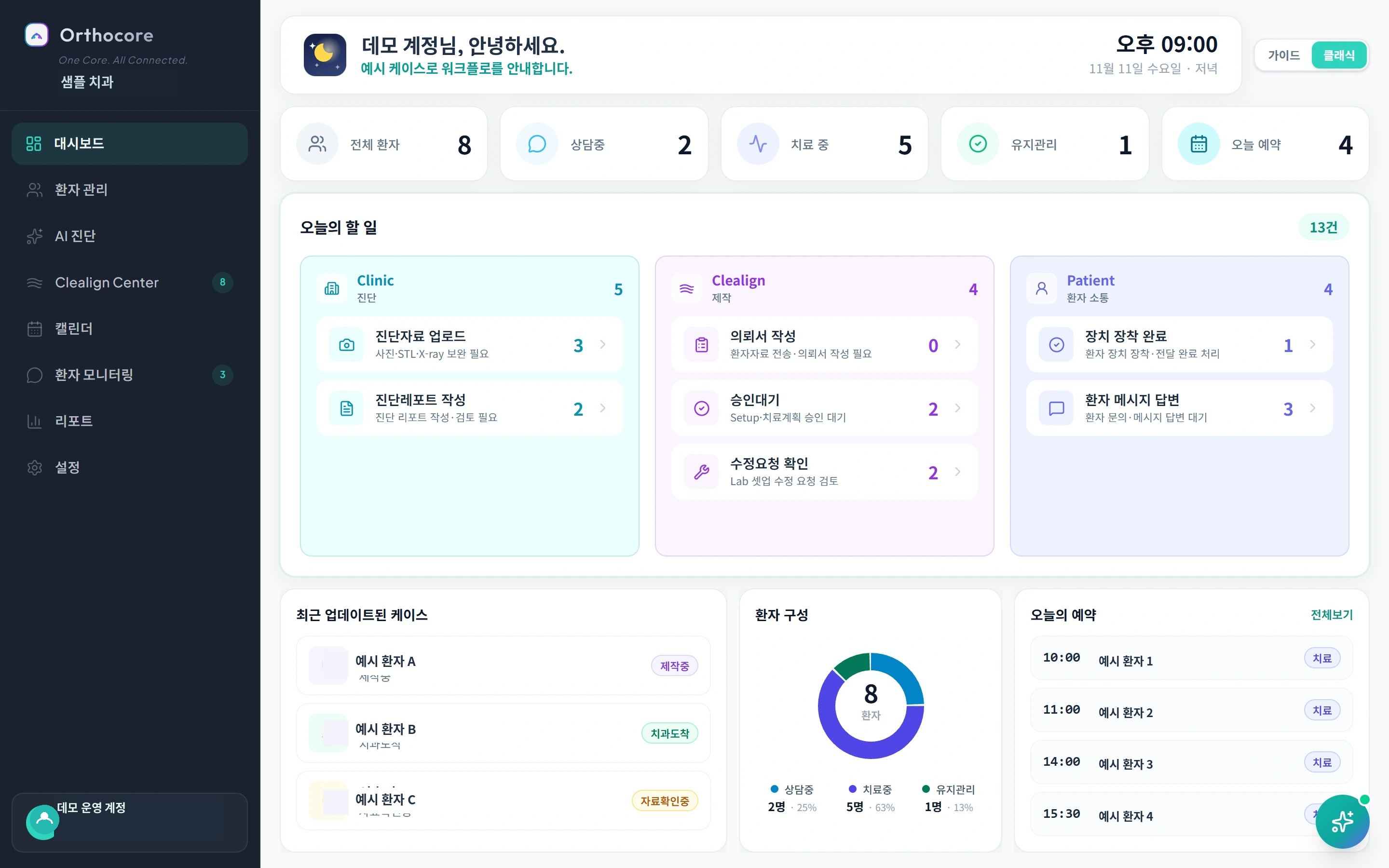
See photos of the actual Clealign aligner alongside Orthocore's setup review and clinic operations screens.
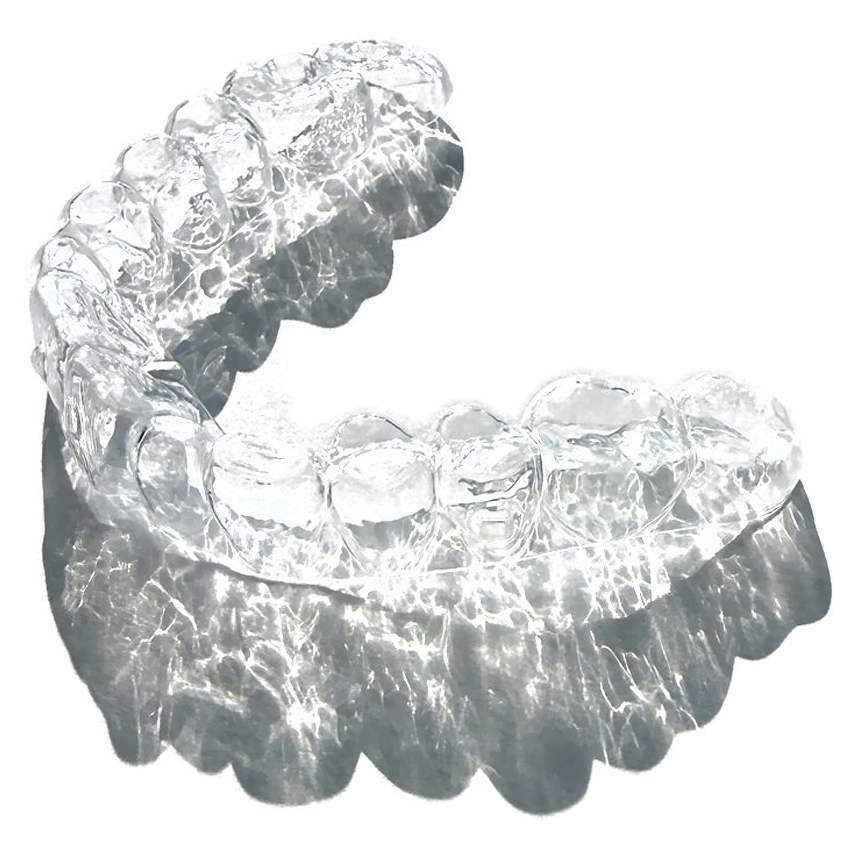
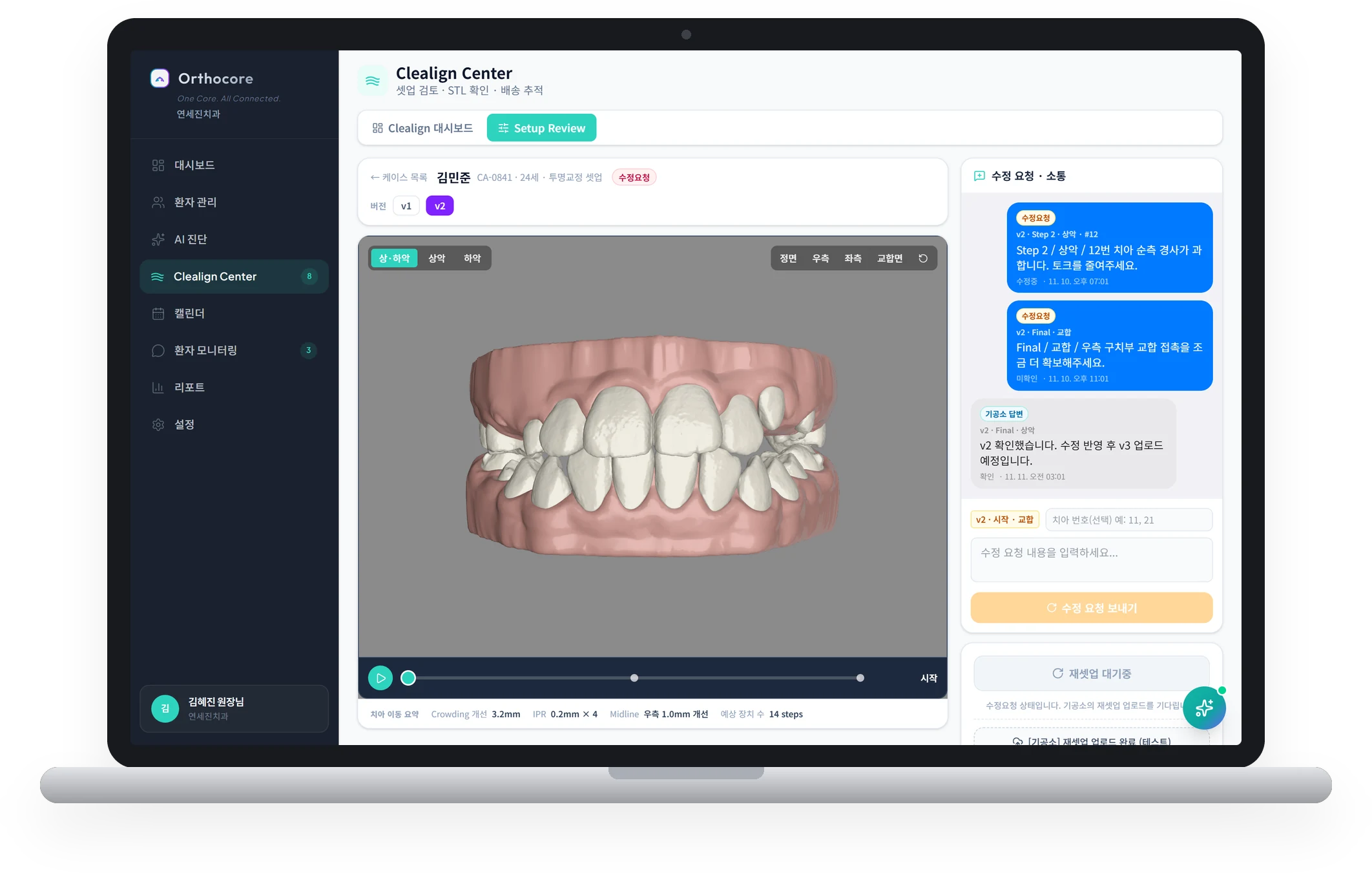
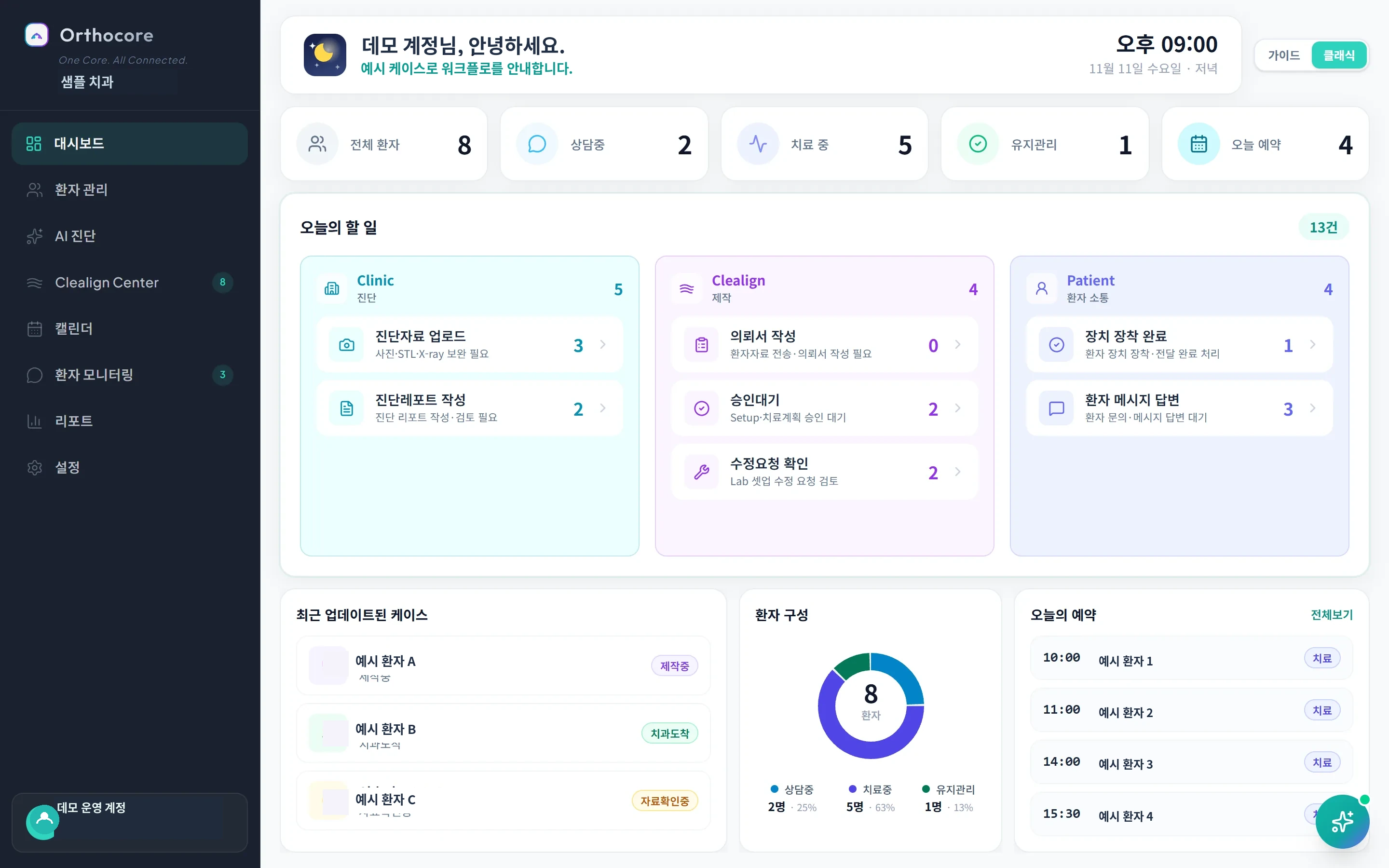
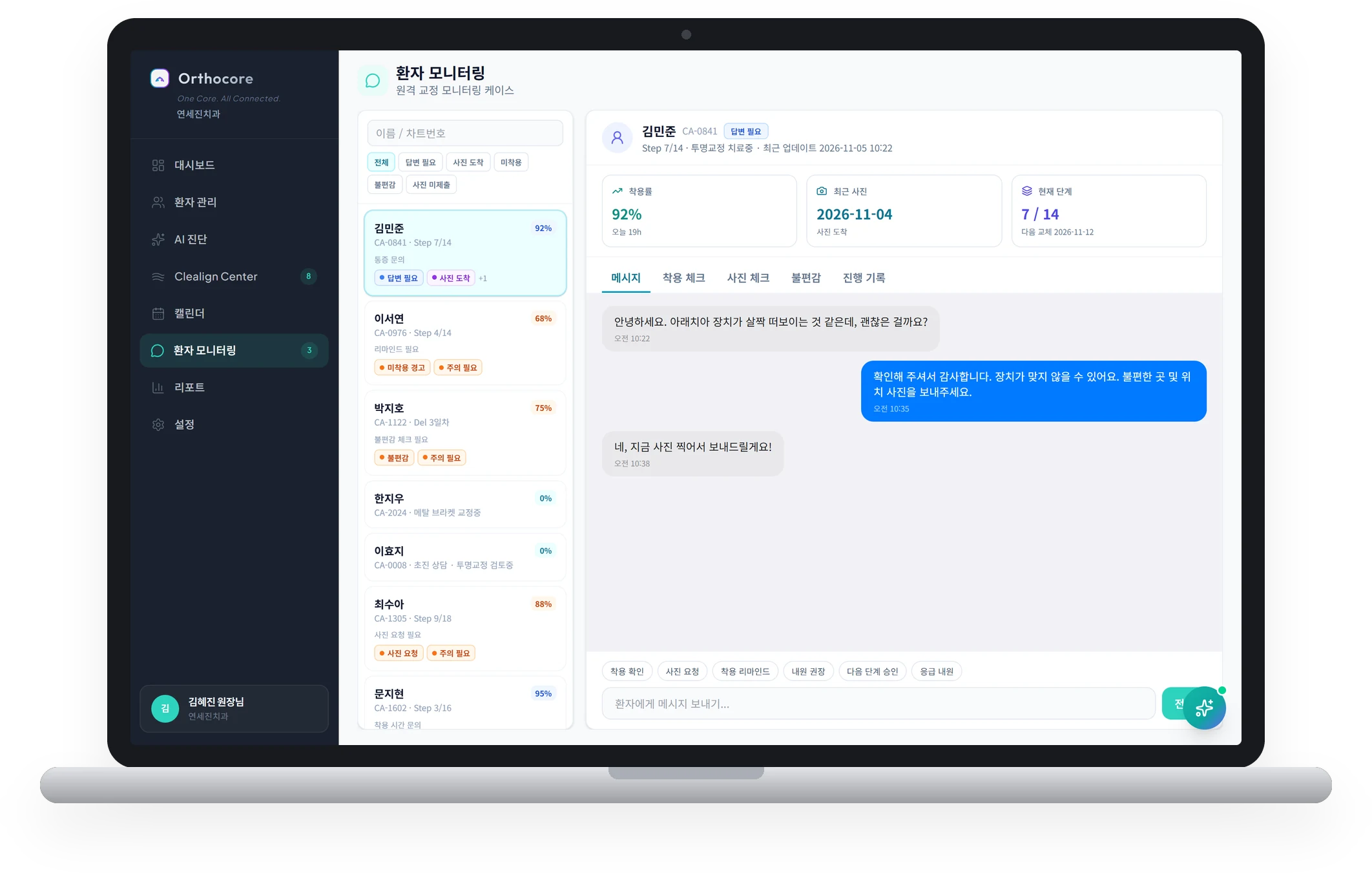
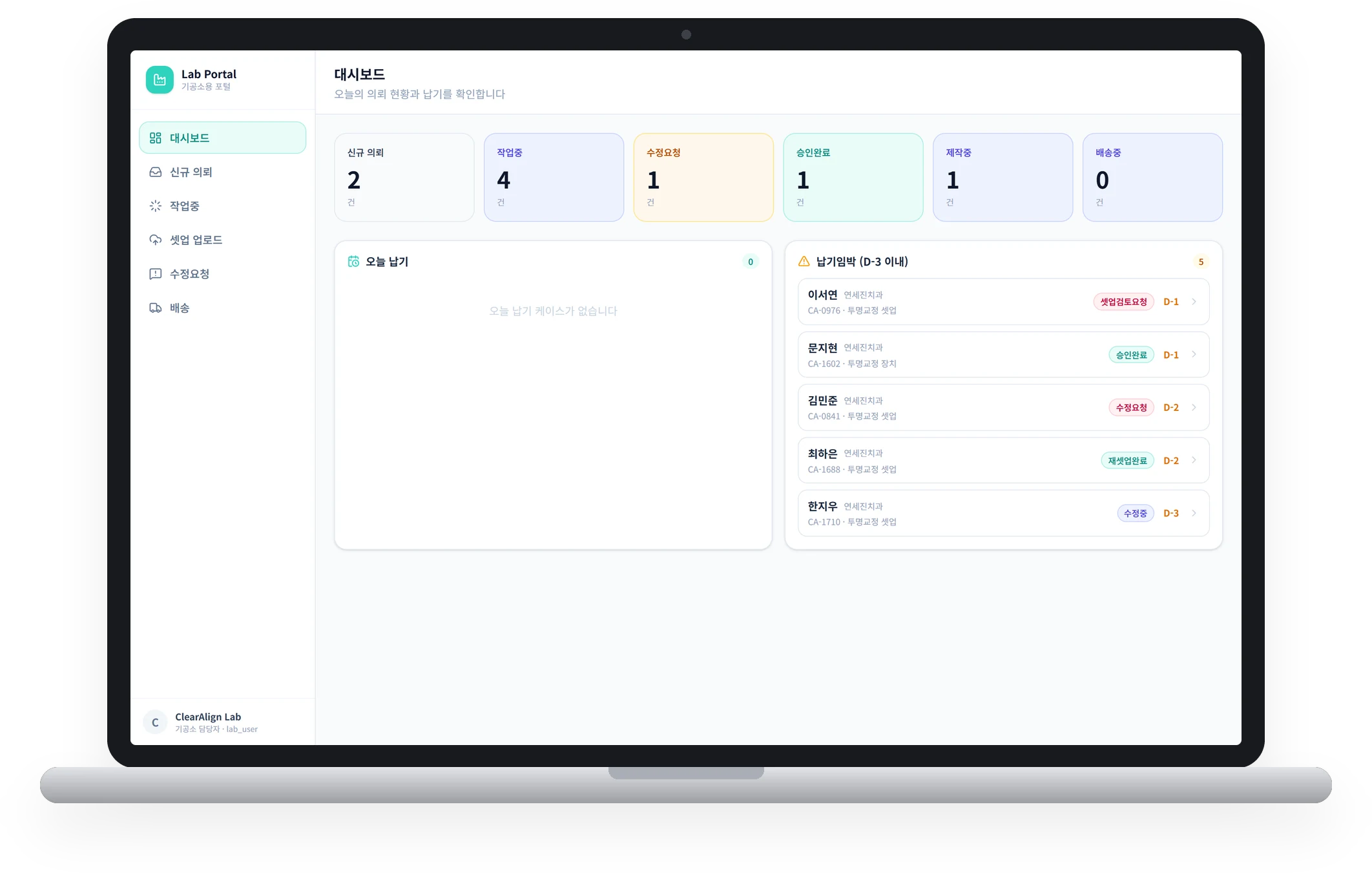
Scroll the cards sideways to see the other screens.
Designed so the overall status, cases needing review, production status and recent changes can be seen at a glance.
Accounts, record standards, operating roles and support channels are prepared to fit your clinic environment and team.
We review your scope of practice, expected cases, scanner and existing workflow.
We set user permissions and provide training on case registration and setup review.
We support initial registration and the feedback process, and help stabilize your operating standards.
Tell us your clinic name, contact person, region, intraoral scanner and what you would like to discuss, and our team will review it and get back to you.
※ Orthocore screens are demo materials for explaining the workflow; case and appointment information are examples. The scope of each feature is confirmed at adoption.